Need to Replace Troops? Start 👉 Here 👈



The conversational AI agent for Teams and Slack. Grounded in Salesforce, Teams, SharePoint, and your MCP servers.
Complete, native integration between Microsoft Teams and Salesforce.
Go beyond the standard Slack and Salesforce integration.









"We needed to integrate Salesforce and Slack and were looking for a cloud-native, feature-packed, low code, and scalable solution to realize this. After a search and review, we identified Centro and we were able to leverage it and quickly integrate and deploy a solution making a significant and positive difference in workflow and collaboration for our users.
The responsiveness, reliability, and quality have been outstanding. Truly an Enabler!"
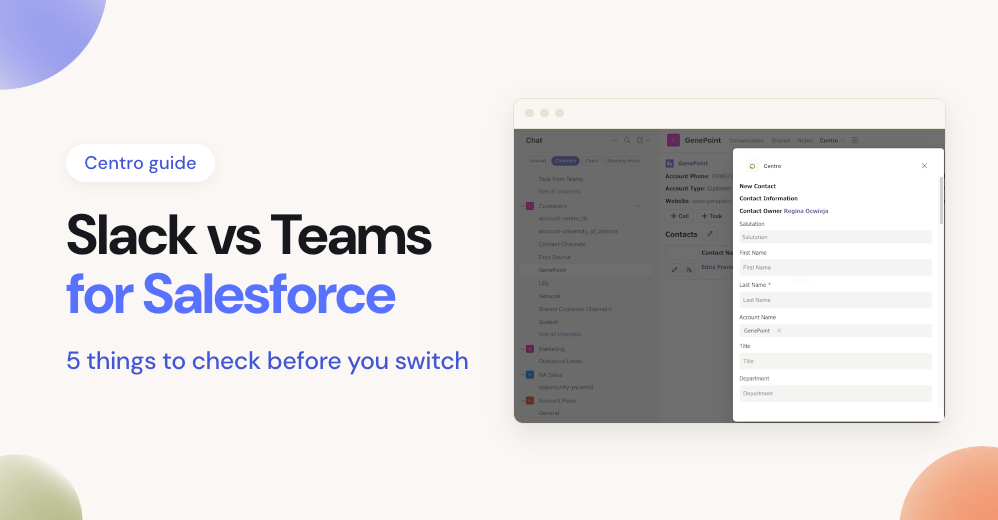
Centro is a no-code platform that connects Salesforce with Microsoft Teams and Slack. Teams create and edit Salesforce records, run approvals and swarms, work shared record lists in channels, and use AI agents from chat. Every action runs with the individual user's own Salesforce permissions, and people without Salesforce licenses can participate through governed automation. Centro is SOC 2 Type 2 audited and stores no message content.
Rated 5.0 on the Salesforce AppExchange across 44 reviews and 5.0 on G2 across 41 reviews.
“Centro has ergonomically designed Apex actions and custom objects that are far and away better than the native Salesforce and Slack integration.”
“It easily pulls transcripts into reports, cutting audit time from two hours to twenty minutes.”
“This integration not only enhances efficiency but also saves us money, as not everyone on the team requires a Salesforce license.”
“A great, fast option for tightly linking the Slack and Salesforce experiences. Easy to set up, and the Centro documentation and support have been excellent.”
Centro is a no-code platform that connects Salesforce with Microsoft Teams and Slack. Teams work Salesforce records, lists, approvals, and AI agents from chat, with every action running under the user's own permissions.
Install the Centro apps from AppSource and the AppExchange, connect them with per-user OAuth, and configure with Salesforce Flow. Most teams deploy in under a day. Setup guides live on our support site.
Centro is SOC 2 Type 2 audited annually since 2022. Message content and Salesforce record data are never stored, traffic is encrypted with TLS 1.2 or higher, and every API call runs with the individual user's own permissions. Details on the Security page.
No. Centro's governed automation user model lets people without Salesforce licenses interact with Salesforce data from Teams or Slack, under guardrails your admins define.
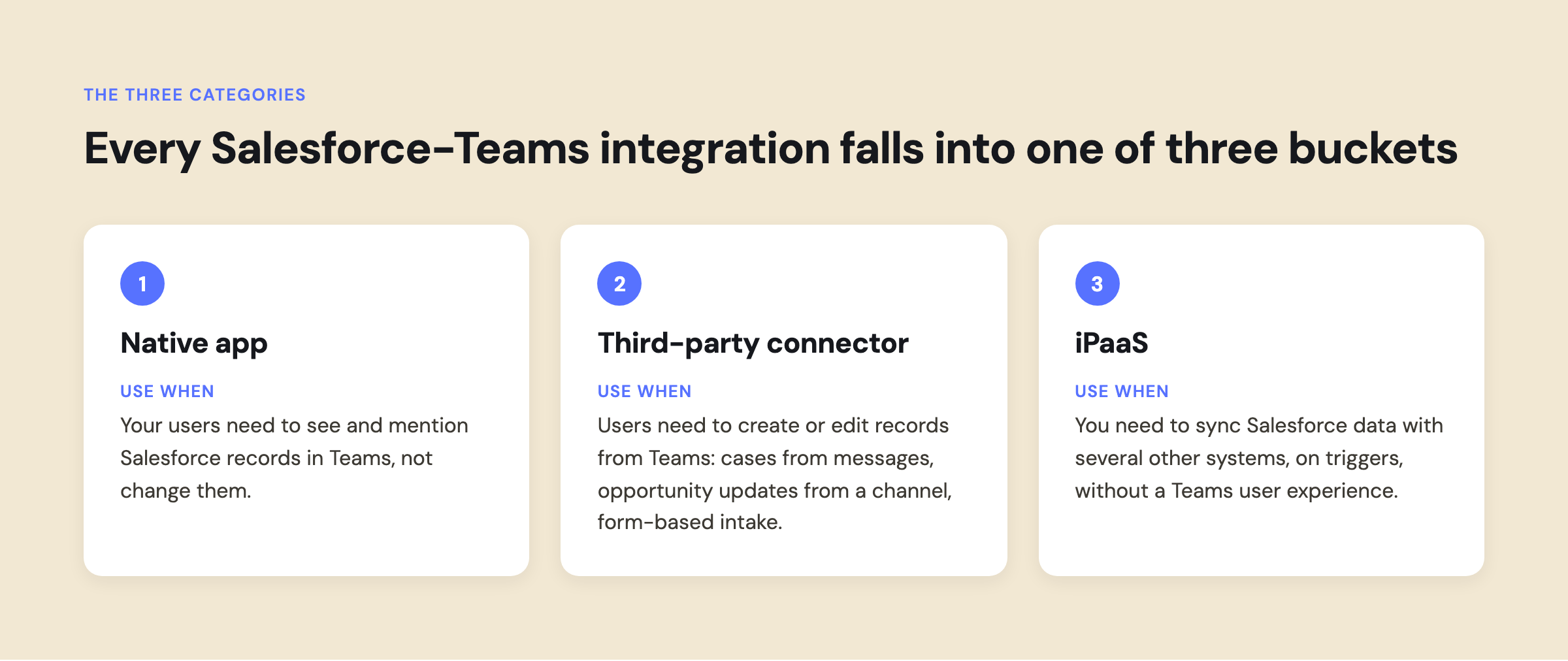
The native app surfaces records in Teams. Centro adds record creation and editing, live lists in channels, approvals, automation via Salesforce Flow, and AI agents. Our decision guide covers when each fits.
Tell us your use case. Our team is founded by Salesforce and Slack veterans, and most customers deploy in days.