Centro

Teams and Salesforce, connected at

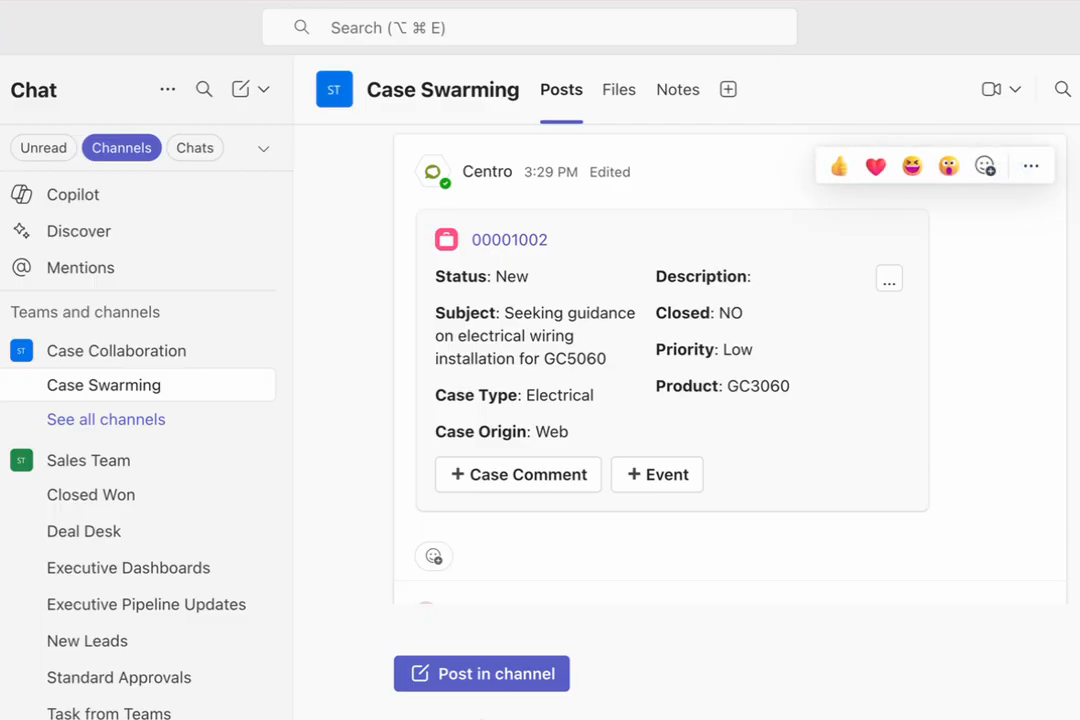
Salesforce records in Teams

  • ✓View any object from a chat or channel.
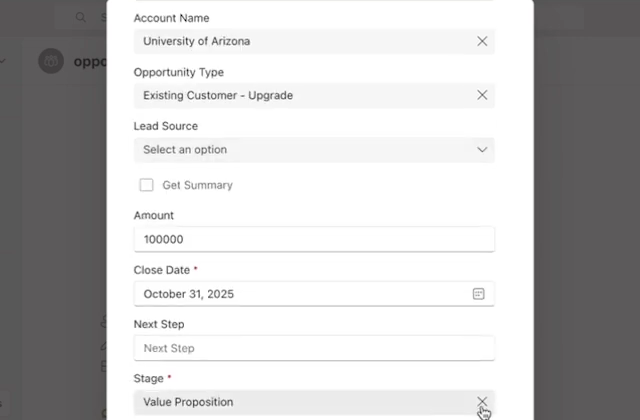
  • ✓Edit any record from a chat or channel. The form opens in Teams and writes back to Salesforce.
  • ✓Custom objects and custom fields supported.
Opportunity edit form open in Teams

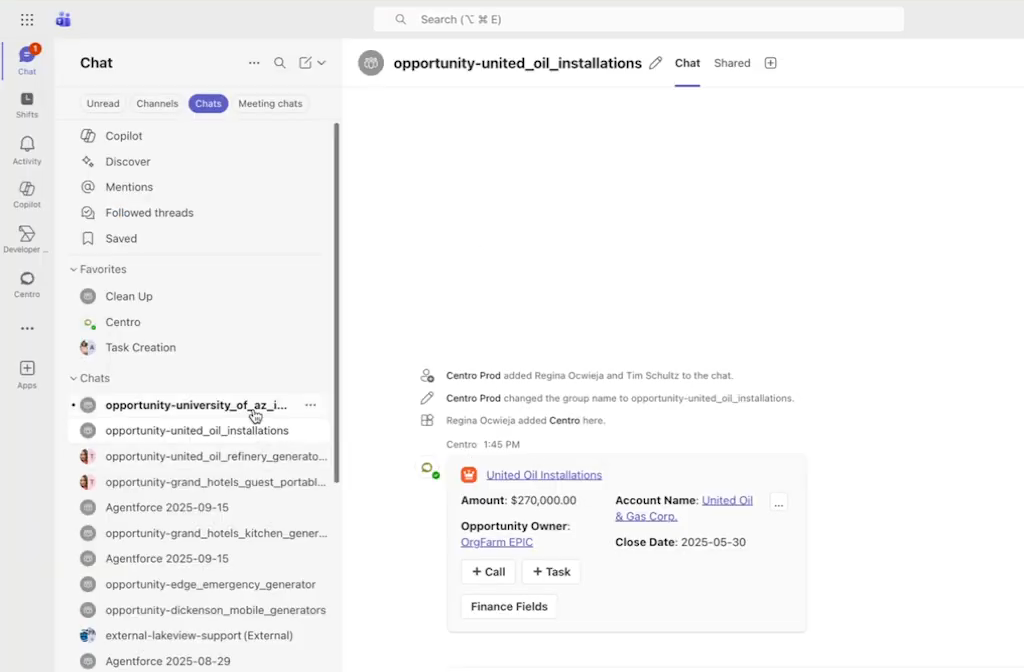
A Teams chat or channel for every opportunity, account, or case

  • ✓Created by Salesforce Flow when a record hits a stage you choose.
  • ✓The record block is posted in the conversation and refreshes when Salesforce changes.
  • ✓Members are added from the record's team, licensed or not.
Teams chat list with opportunity-named chats and a record block posted in the conversation

Alerts and updates from Salesforce Flow

  • ✓Post to any channel or user when a record changes.
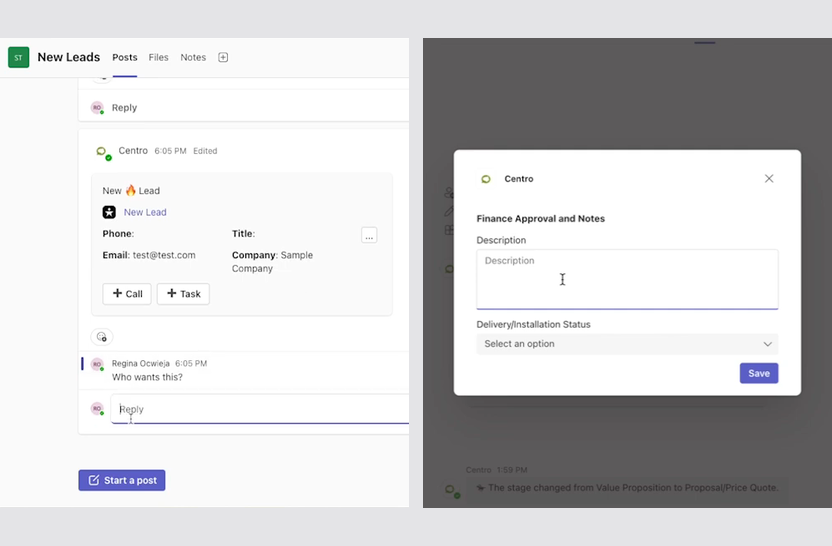
  • ✓Teams users update Salesforce with a form, no license required.
  • ✓Every trigger is a Flow you already know how to build.
New lead alert in a channel and the update form it opens

How it works

01Install the Salesforce package from AppExchange and the Teams app from Microsoft Marketplace, then connect your org. Comparing methods first? See how to connect Microsoft Teams and Salesforce and the financial services comparison.
02Pick the objects, channels, and alerts you want in Teams. No code.
03Teams users work Salesforce records in chat. Salesforce stays the system of record.
✓Data stays in your Salesforce org and Microsoft 365 tenant.AICPA SOC for Service Organizations
How Centro handles security ›

See it on your Salesforce org